Welcome to EverLeagues! So, what's next?
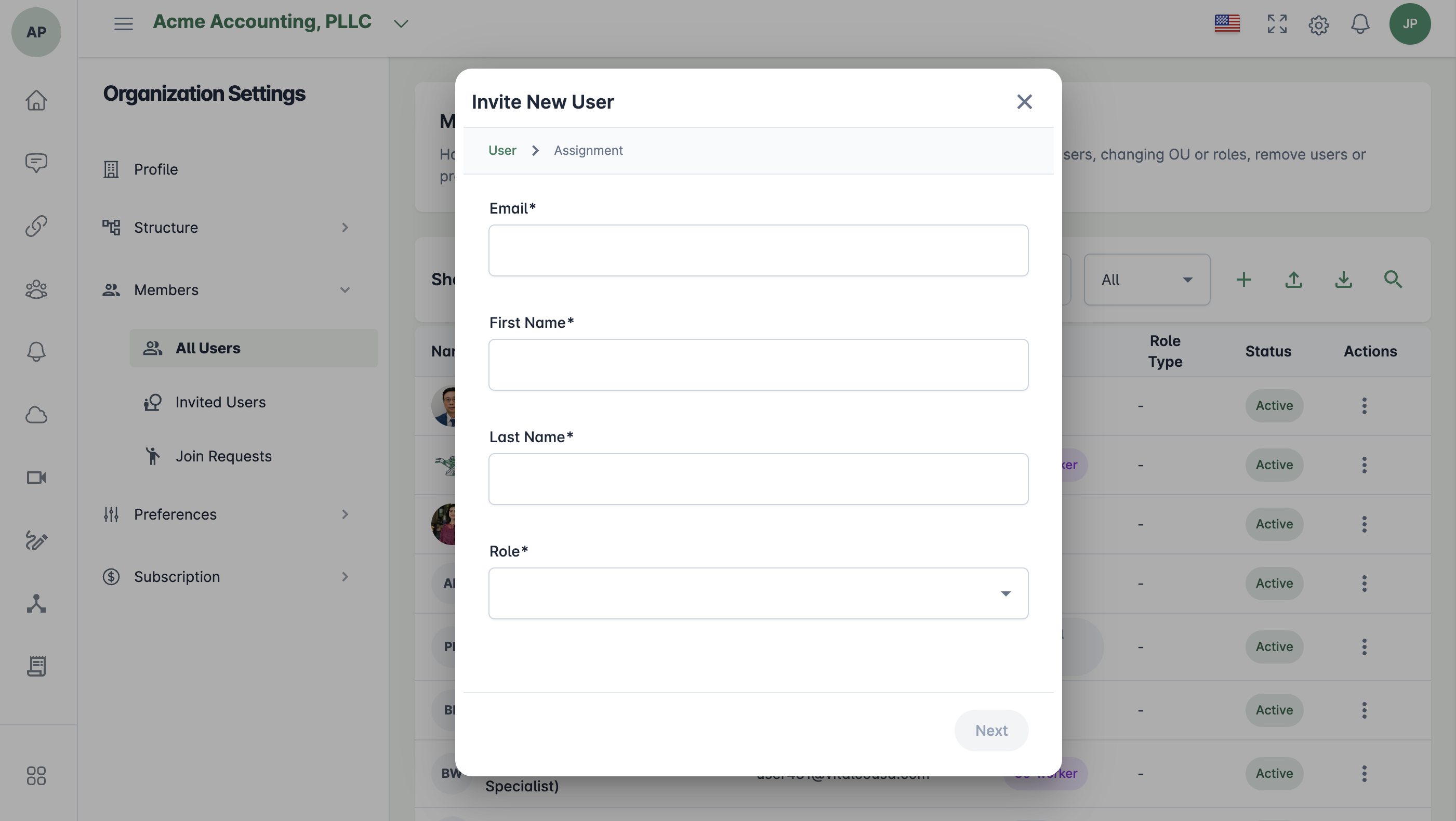
1. Invite users:
To add co-workers, clients, or external associates, go to Organization Settings from the top-right corner. Select Members, then open All Users. Click the plus (+) icon to start sending invitations.
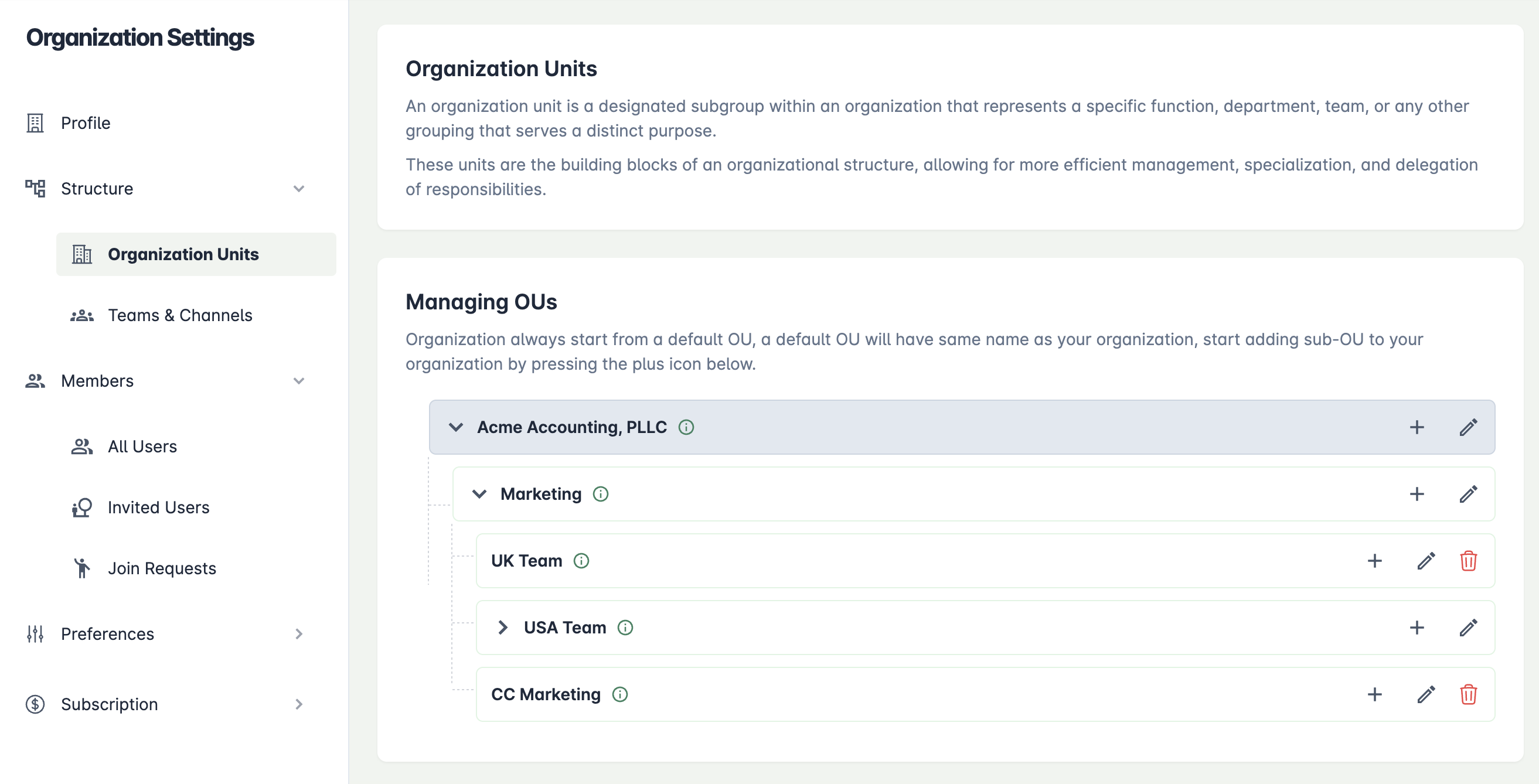
2. Set up organization structure:
Reflect your actual organizational layout by setting up sub-organization units in Organization settings -> Structure -> Organization Units, making it easy to manage different parts of your organization.
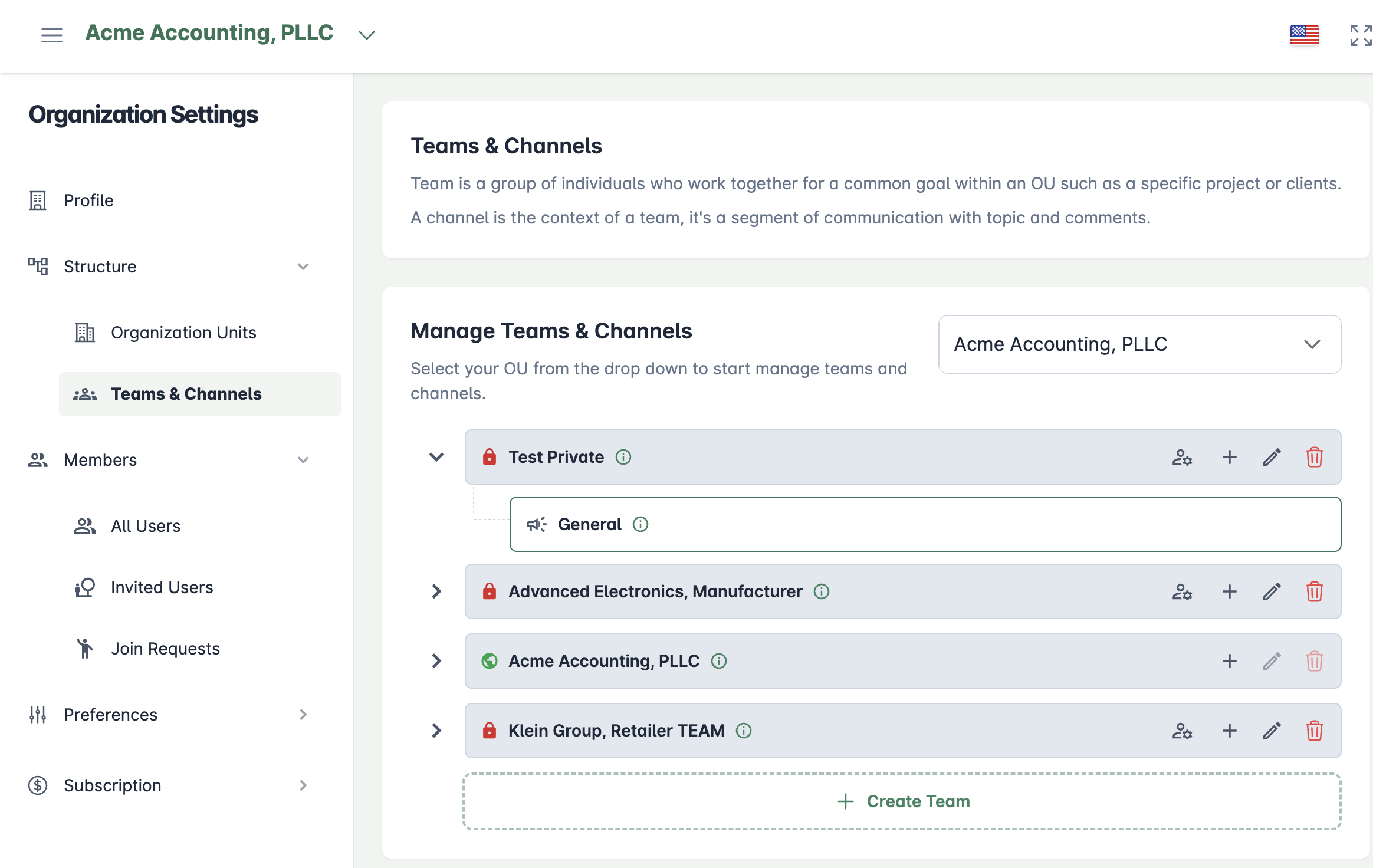
3. Form teams:
For particular projects or collaborative efforts, group members into teams via Organization Settings -> Teams and Channels.